Stop guessing
what to write
next.
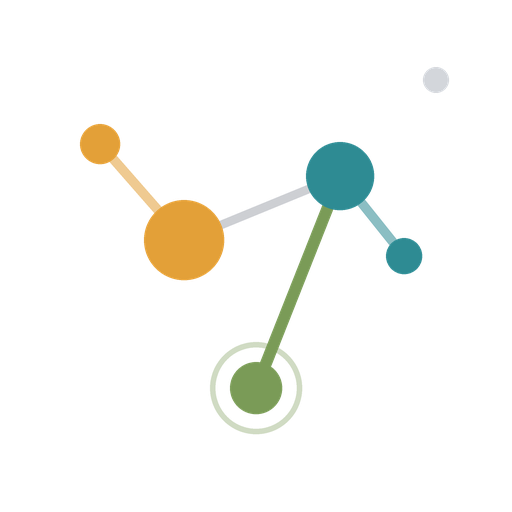
ThinkGraph maps every post, keyword, and internal link into an interactive knowledge graph — then tells you exactly what to write, fix, or link next for SEO and AI-engine visibility.
- Visual force-directed knowledge graph
- AI-ranked content gaps & next steps
- Two-way internal-link suggestions
- Instant article search & drill-down
- Health score & per-article AEO grading
- AEO + SEO answer-engine readiness
No credit card required · Demo works without signing in
The strategy layer your blog is missing
Built for solo operators and content teams who want leverage, not more manual audits.
Content Knowledge Graph
Every post, keyword, and link visualized as a living force-directed graph. Click any node to surface its strategy details.
Cluster Gap Detection
Spot thin clusters, orphan pages, and keyword blind-spots before they silently suppress your rankings.
AI-Ranked Action Plan
Claude reads your graph and surfaces the single highest-leverage move — write, link, merge, or refresh.
Two-Way Link Suggestions
Every article gets ranked suggestions for who should link to it and what it should link out to — internal linking, solved per-post.
Instant Article Search
Find any post by title, focus keyword, tag, or category in seconds — from a live dropdown right in the app header.
Drill Into Any Article
Click through from the graph, action plan, or search to a full per-article profile: links in, links out, freshness, and fix suggestions.
Health & AEO Score
One weighted health grade across six pillars, plus a per-article answer-engine readiness score that tells you exactly what to fix to get cited by ChatGPT and Perplexity.
Frequently asked questions
- Does ThinkGraph AI suggest which posts to link to each other?
- Yes. Every article's detail page shows AI-ranked suggestions in both directions — which existing posts should add a link to it, and which posts it should link out to — based on topic overlap and how much link authority each candidate already has.
- Can I search across all my blog posts in one place?
- Yes. ThinkGraph AI indexes every post's title, focus keyword, tags, category, and author, with an instant search box in the app header and a dedicated search results page.
- Does ThinkGraph AI require installing a WordPress plugin?
- No. It connects directly to your WordPress MySQL database (read-only) — no plugin and no API keys on the WordPress side.
- How does ThinkGraph AI score answer-engine (AEO) readiness?
- Every article gets a 0-100 AEO Readiness score from eight weighted signals — answer-shaped title, focus keyword, scannable headings, depth, meta description, discoverability, citations, and visuals — and is bucketed Ready, Partial, or Not ready. The Health & AEO report rolls these up with five other pillars into one weighted grade and shows the single highest-impact fix per near-ready post.
- Is there a free way to try it?
- Yes — the demo workspace works with no sign-in and uses a realistic, stable sample dataset so you can explore every feature immediately.